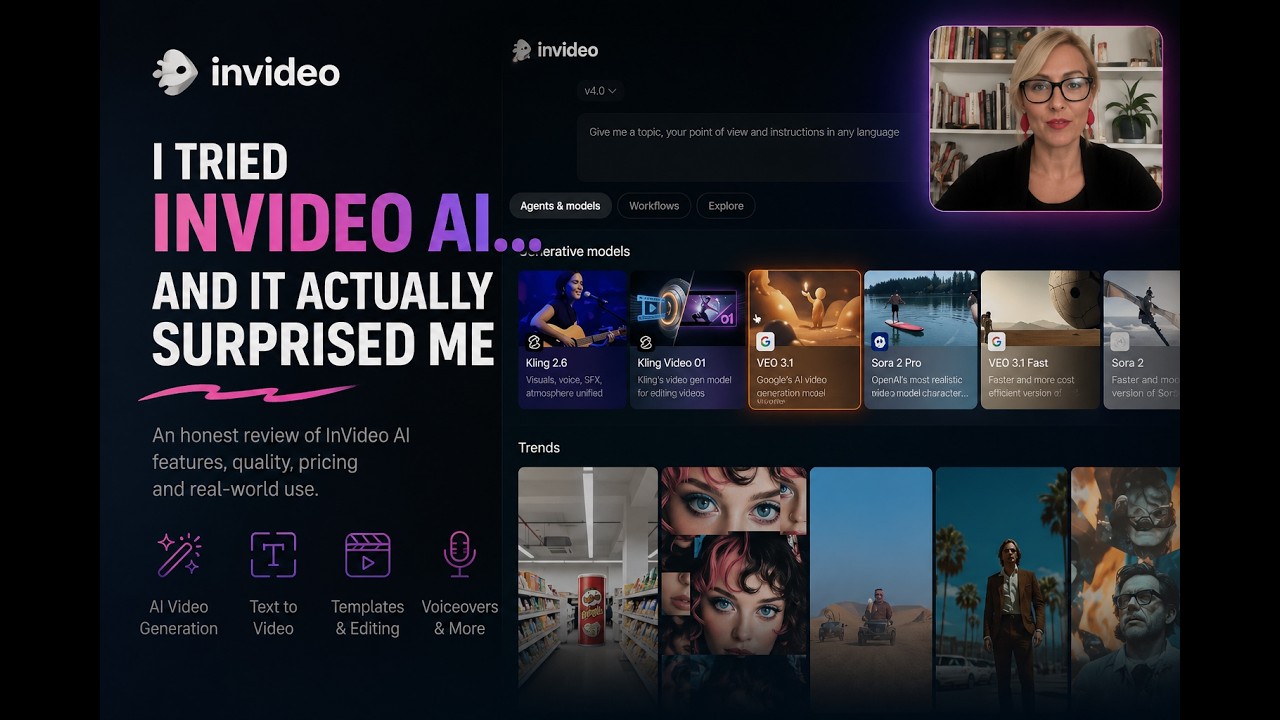
AI video tools promise a simple idea: type a prompt, get a finished video.I tested InVideo AI to see how far that promise actually goes—and where it breaks.

What InVideo AI Does Well

InVideo AI turns text into:

  • script
  • visuals
  • voiceover
  • music
  • subtitles

All in minutes.

It’s fast, intuitive, and surprisingly good for:

  • explainer videos
  • social media content
  • quick idea validation

The biggest shift?
You don’t edit—you describe what you want.


The Problem: Everything Looks… the Same

While the output is polished, it often feels generic.

Why?
Because the AI chooses:

  • stock footage
  • pacing
  • tone

You guide it—but you don’t fully control it.

That creates a tension between speed and originality.


The Real Value: Rapid Prototyping

InVideo AI works best as a:

  • first draft tool
  • idea generator
  • content sketching system

It helps you explore ideas quickly—but not finalize them.


Hidden Limitation: The Credit System

Every change costs credits. This means:

  • experimentation is limited
  • iteration becomes strategic
  • creativity feels slightly restricted

And that matters more than it seems.


Final Verdict

InVideo AI won’t replace creators. But it will change how we create.Instead of editing timelines, we’re learning to: direct AI through language.


Should You Use It?

Use it if you need:

  • speed
  • volume
  • quick content ideas

Avoid relying on it if you care about:

  • strong visual identity
  • originality
  • full creative control

👉 See the full breakdown in the video:
https://www.youtube.com/watch?v=AeEXhTTVKjs


Categorized in:

AI, Tech,